Overview
Recipes provide a convenient way to store and recall sets of process parameters or device configurations. Each recipe can contain multiple tags and values, allowing quick reconfiguration of systems for different products or batches.
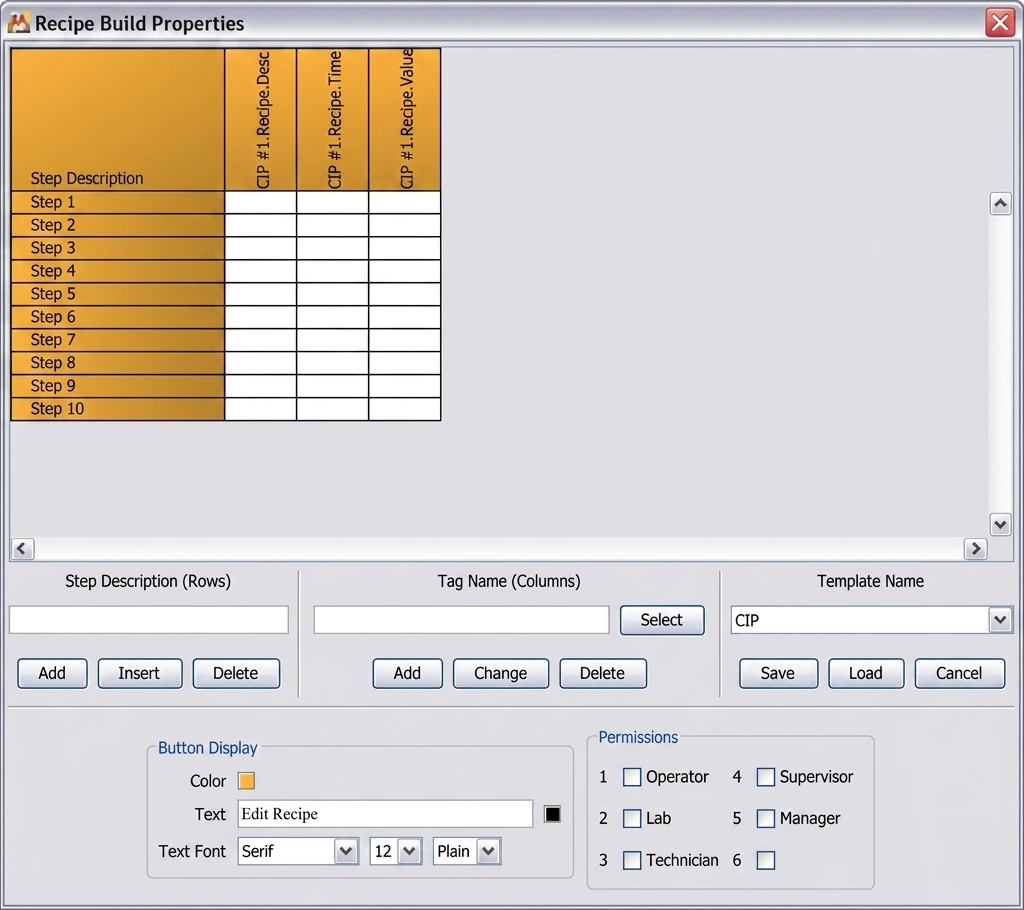
Creating and Editing Recipes
In the Maker application, recipes are created by defining a name and associating tag values with it. You can clone existing recipes, import data, or manually edit fields. Each tag’s data type and allowable range are validated before saving.
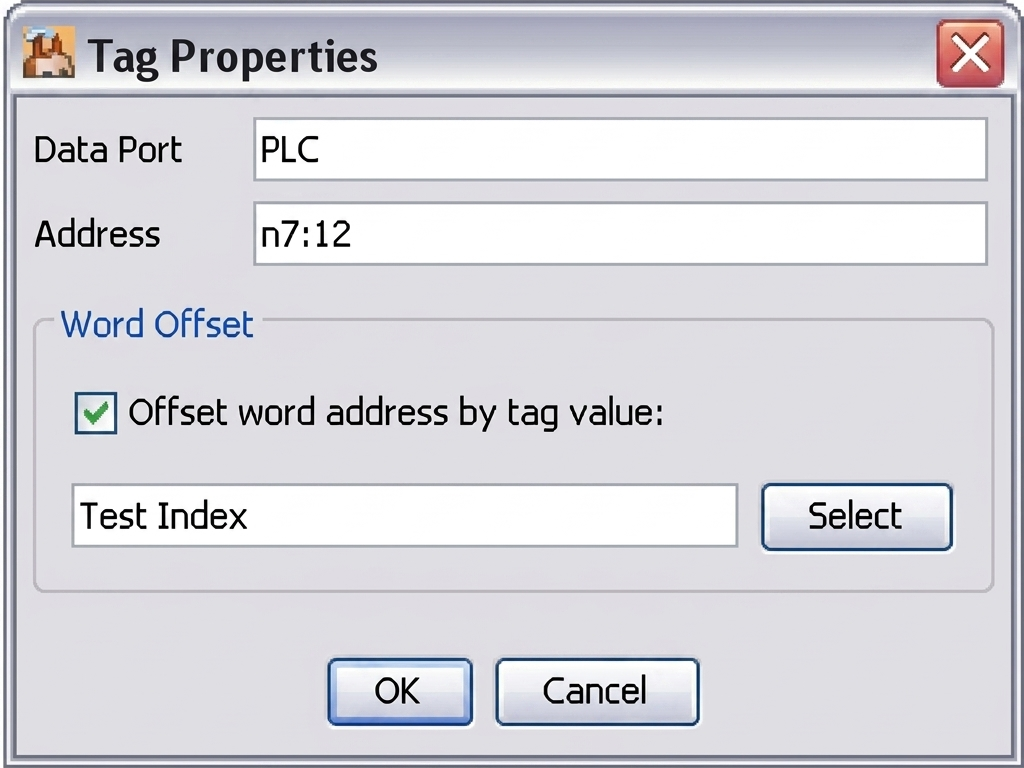
Loading and Saving Recipes
Recipes can be saved locally or to a shared network folder. At runtime, the Viewer allows selecting and loading a recipe to immediately apply its values to connected tags. The Save button updates the current recipe with new values.
Recipe Elements in Maker
Maker provides dedicated UI elements for recipe management such as Recipe List, Load, and Save buttons. These can be placed on any display page and configured to link with recipe files.
Applying Recipes in Viewer
In the Viewer, selecting a recipe automatically updates the active data values. All affected tags will refresh instantly. The user interface can also confirm successful application or display warnings for mismatched tags.
Best Practices
To ensure consistent operation, standardize tag naming and units across all recipes. Keep backups of critical recipe sets, and test each configuration before deployment. Using descriptive names and version numbers will make maintenance easier.